Applications[iOS · Widget]
A minimalist Countdown Widget
Dots Calendar
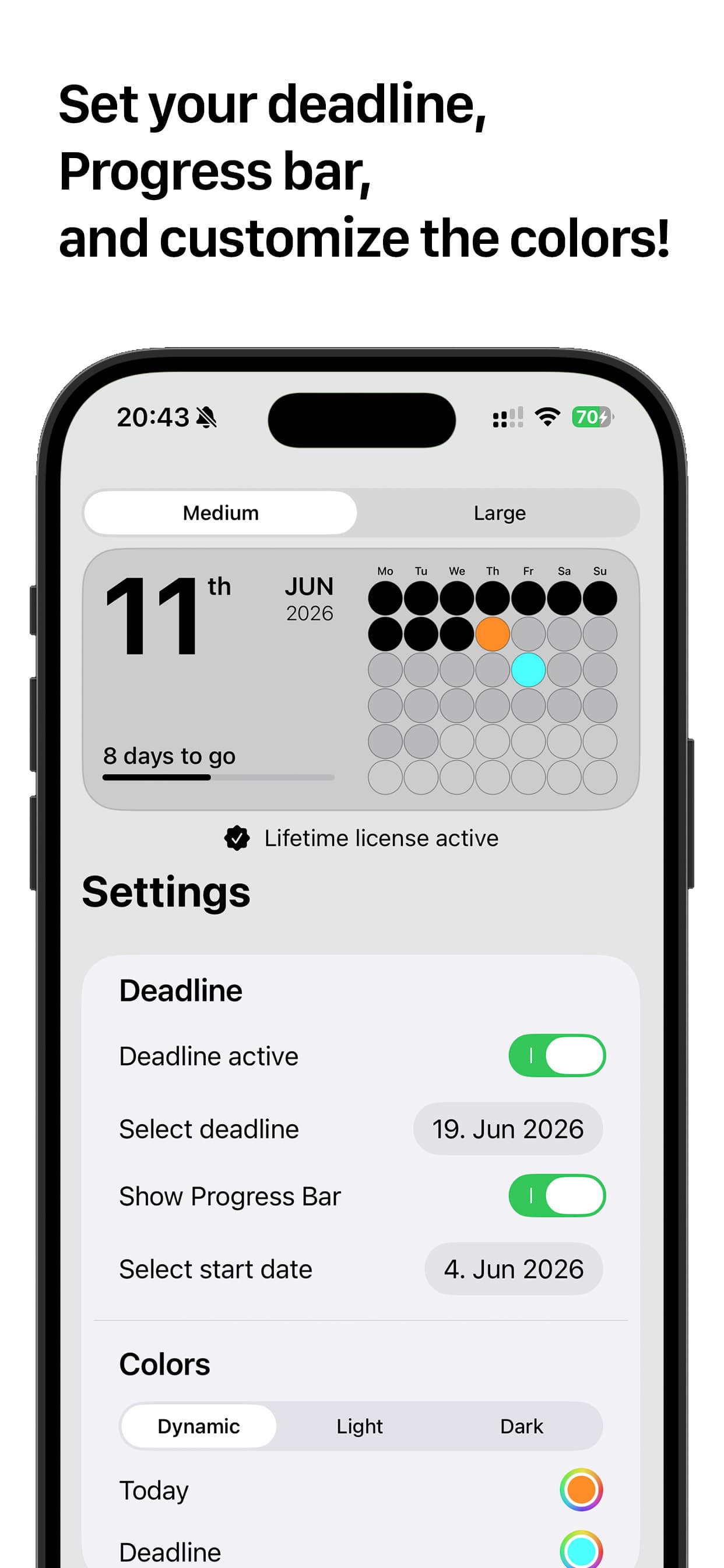
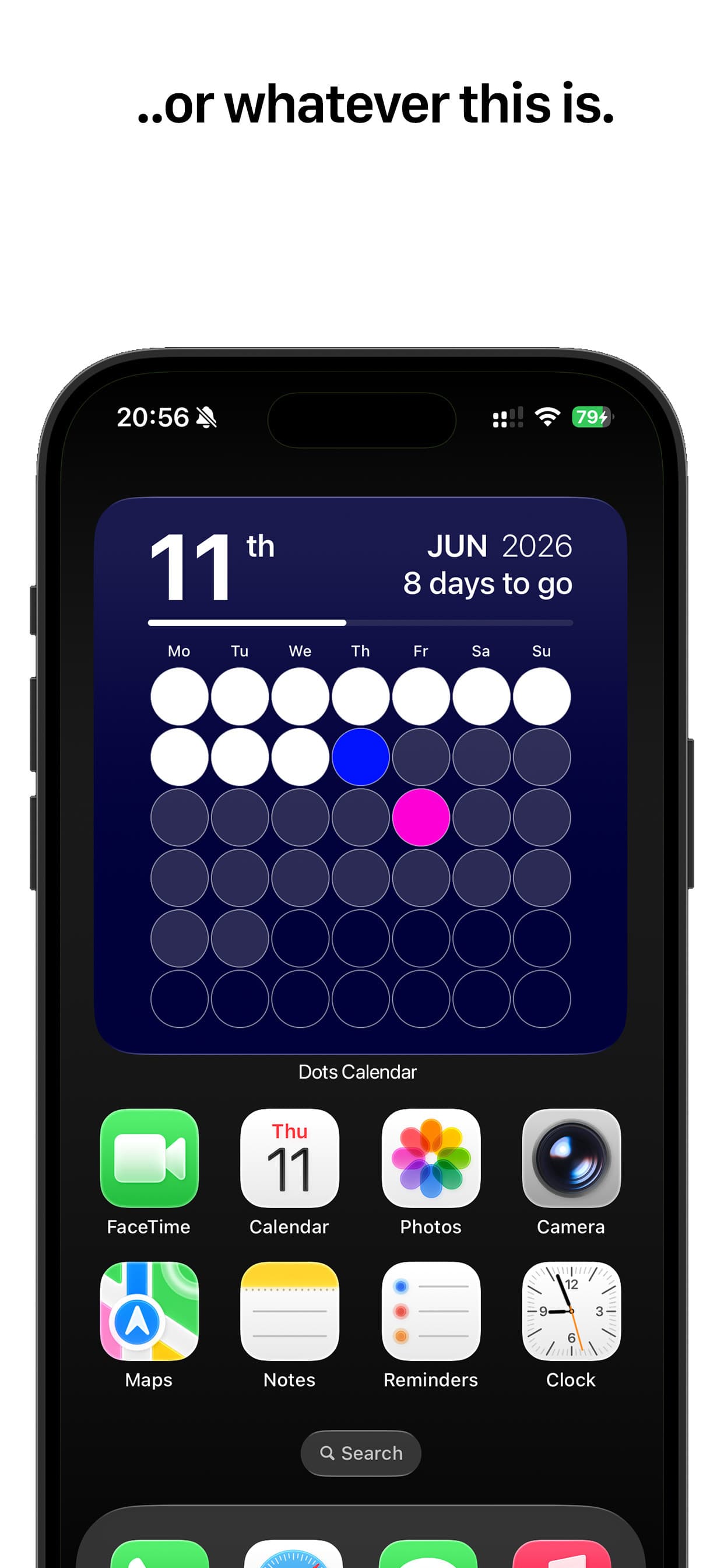
Dots Calendar turns the month into a grid of filled circles, right on your home screen — a quiet, at-a-glance countdown to the next thing on your horizon.
Download on the App Store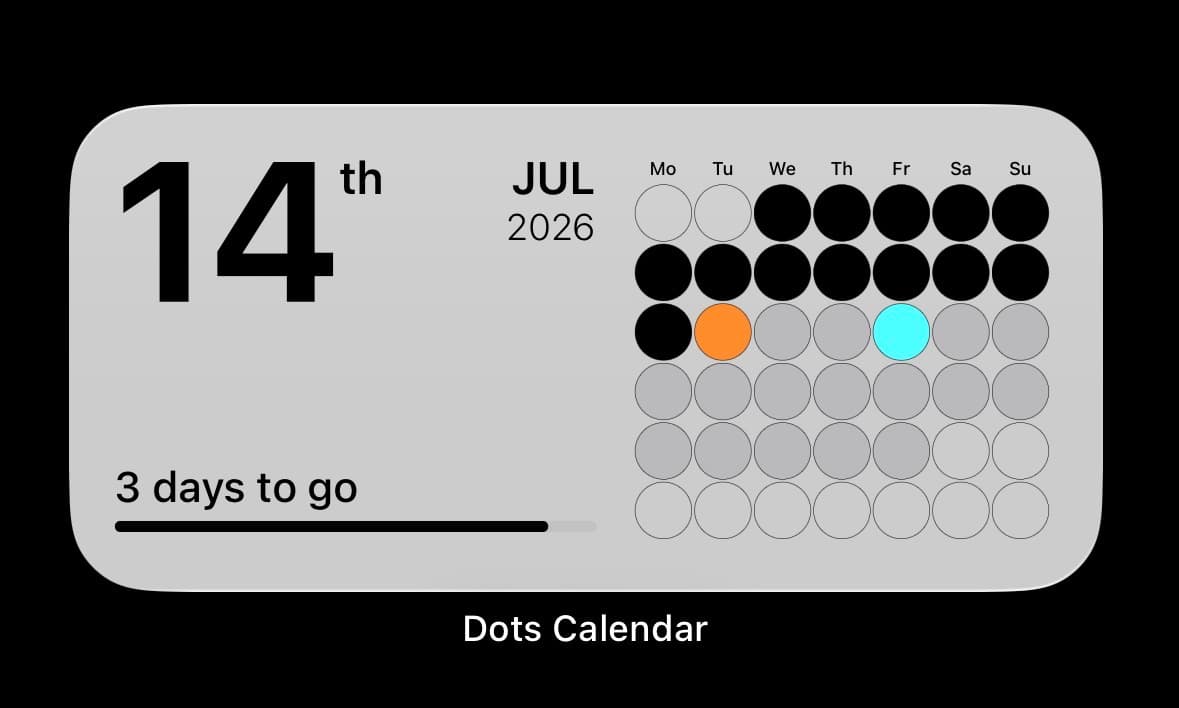
Overview
Dots Calendar turns the month into a grid of filled circles, right on your home screen — a quiet, at-a-glance countdown to the next thing on your horizon.
Set a target date and it counts the days down, with an optional progress bar running from a start date to the deadline. Recolour today, the deadline and the background, or switch between dynamic, light and dark. No account, no tracking, nothing uploaded.
- Platform
- iOS 18.2+ · iPadOS · macOS · visionOS
- Category
- Utilities
- Price
- Free · £2.99 lifetime
- Role
- Design & Development
Features
[07]- 01A month of dots — one filled circle per day
- 02Countdown to any deadline, in days
- 03Optional start → deadline progress bar
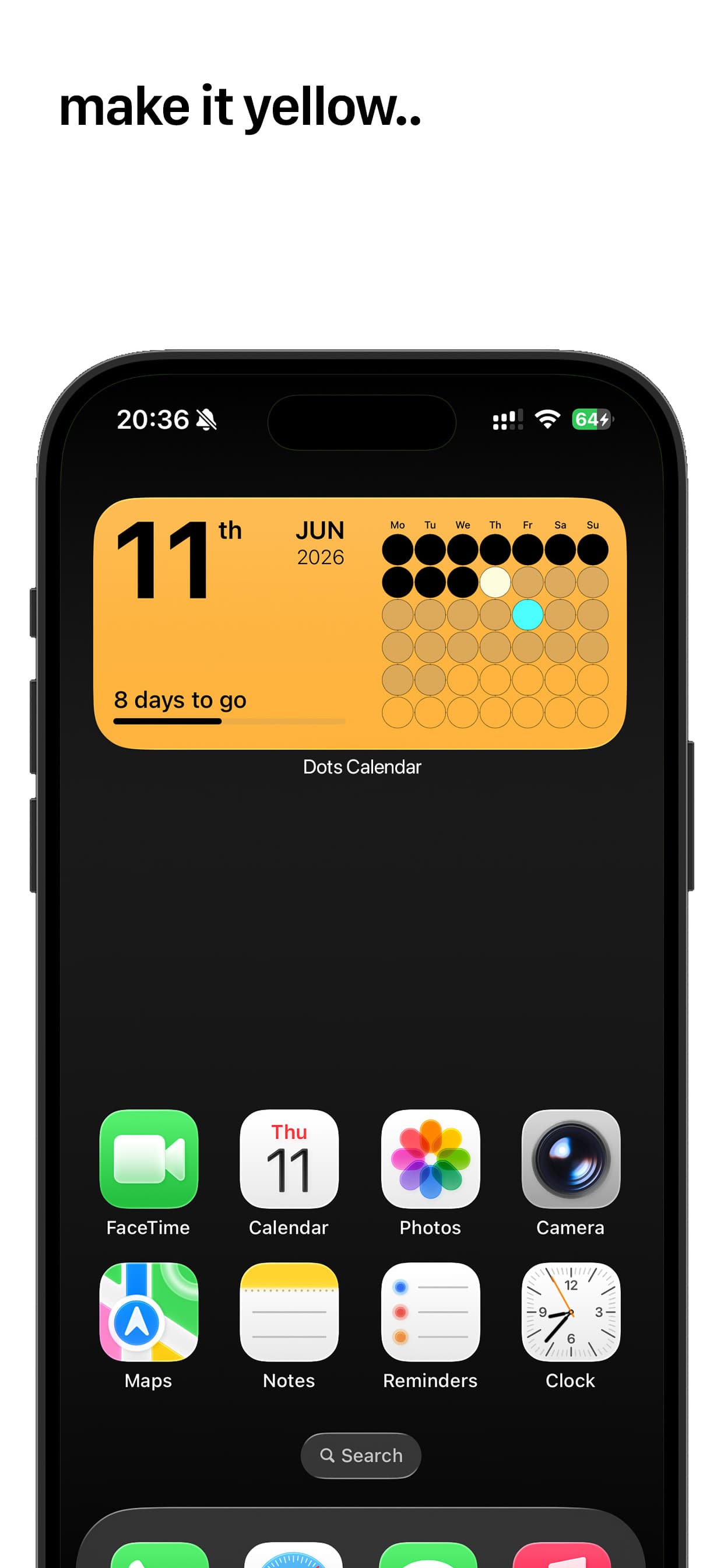
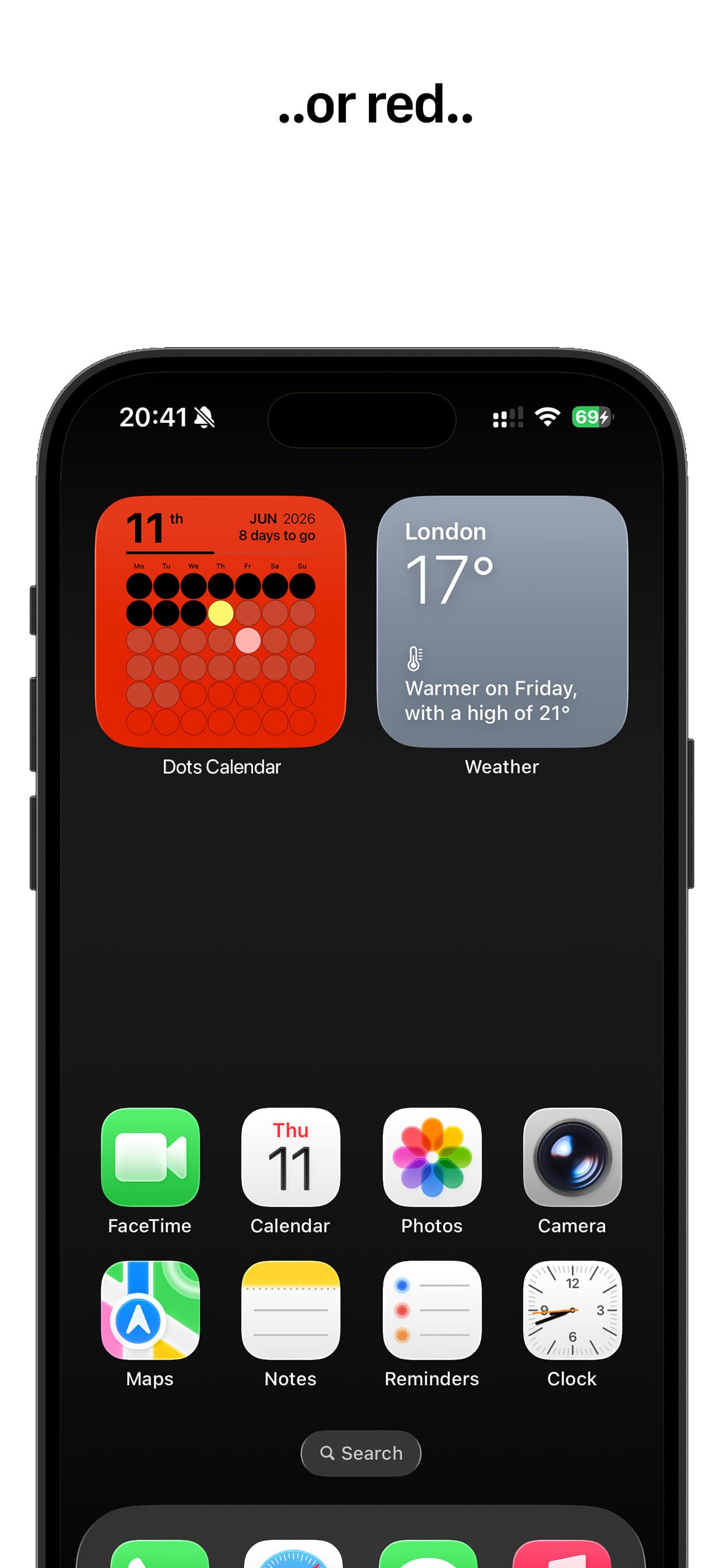
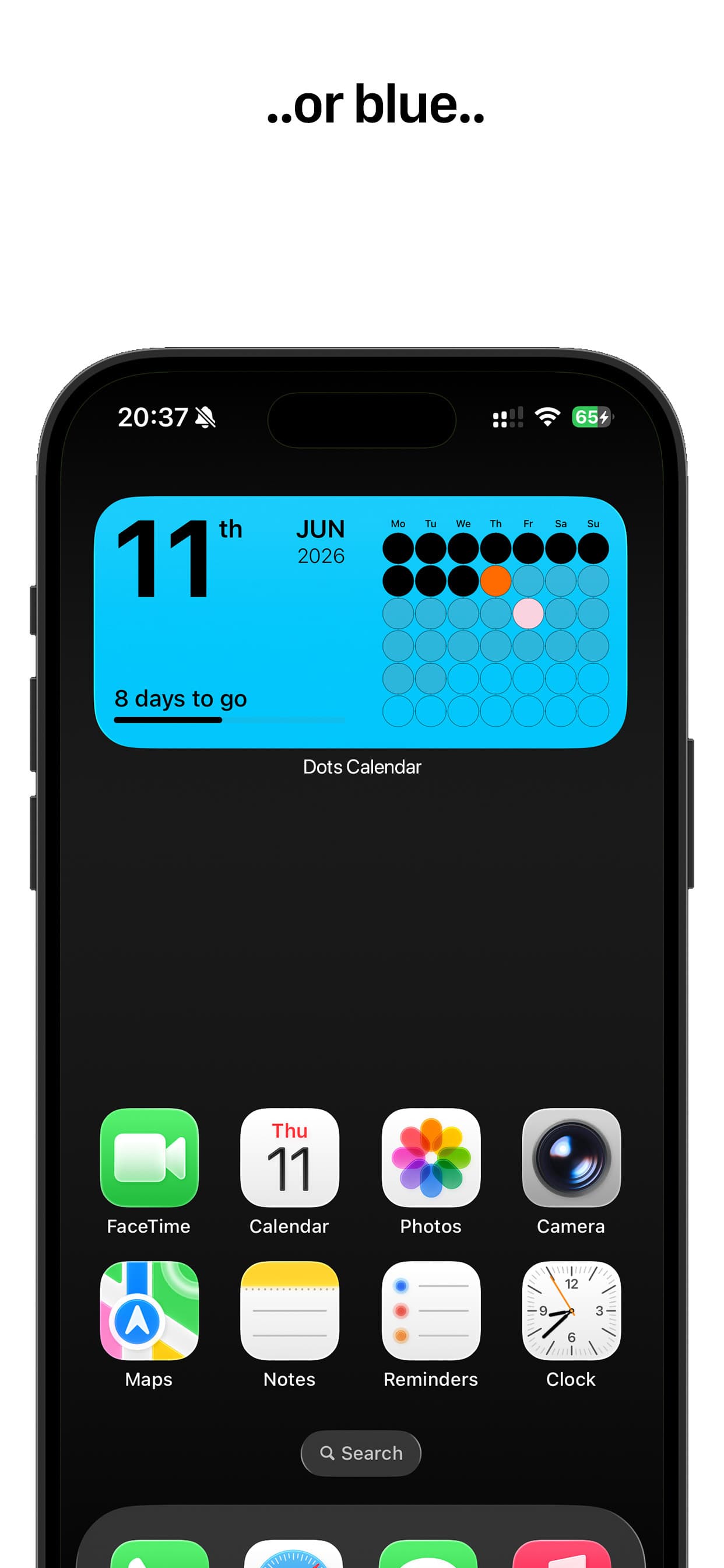
- 04Custom colours for today, deadline & background
- 05Dynamic, light and dark appearance
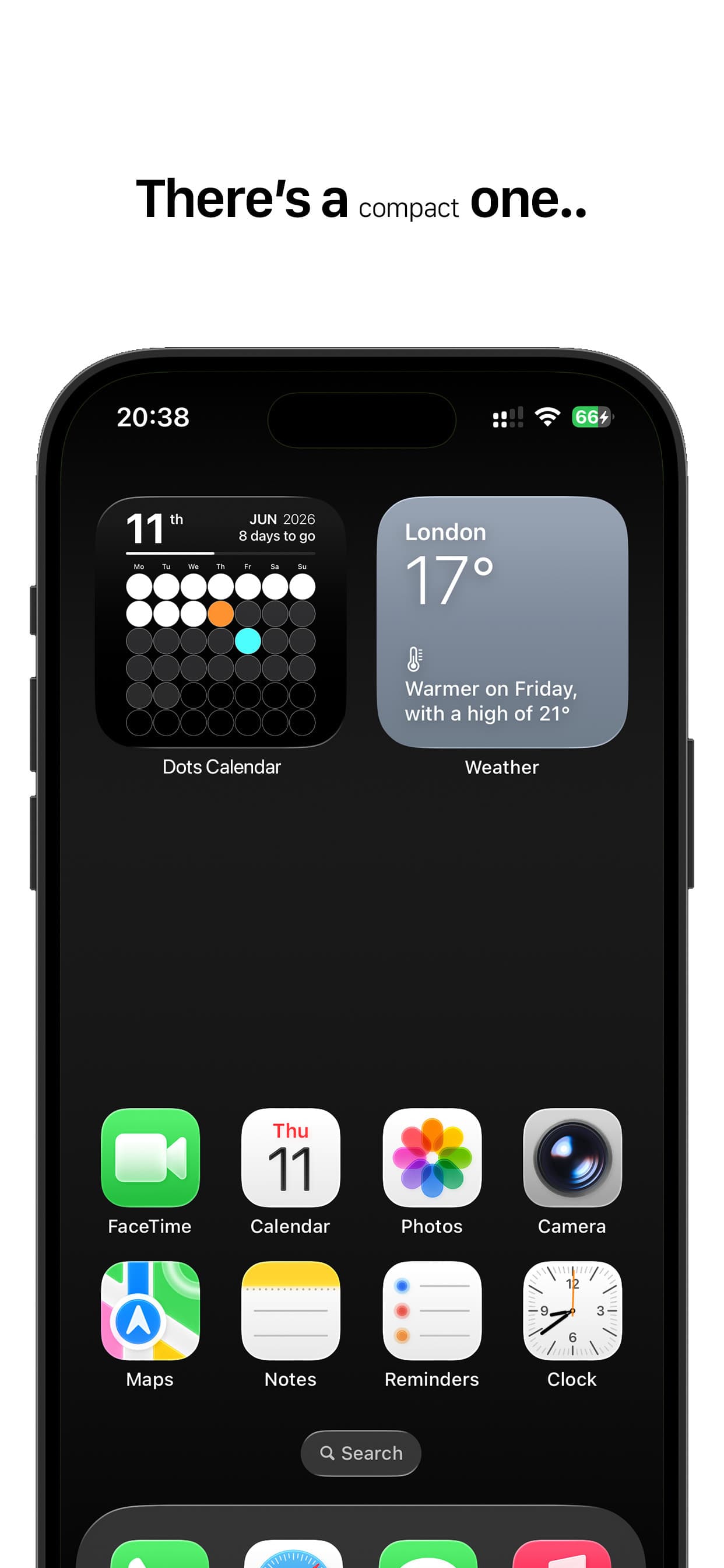
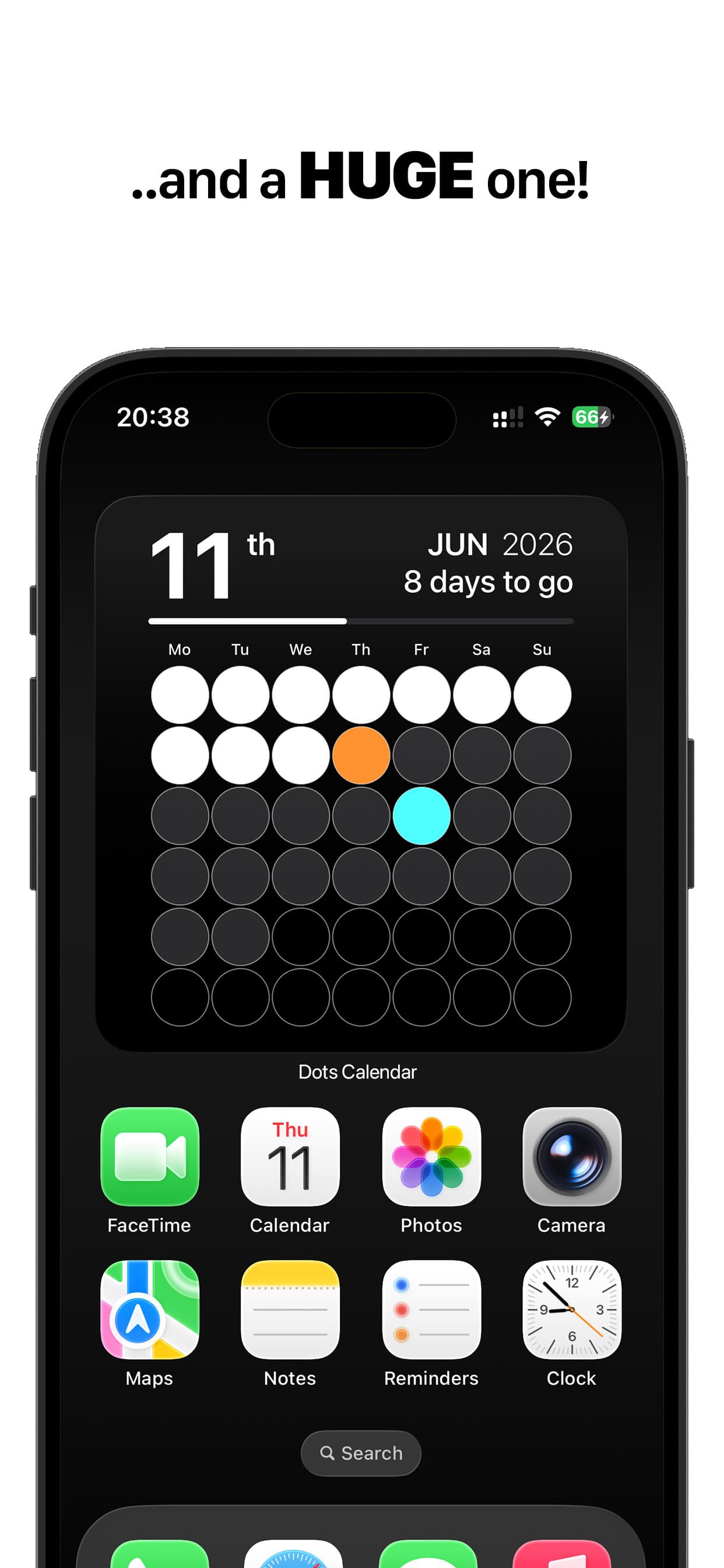
- 06Medium and large widget sizes
- 07No account · no tracking · no subscription
Screenshots
[08 — Scroll →]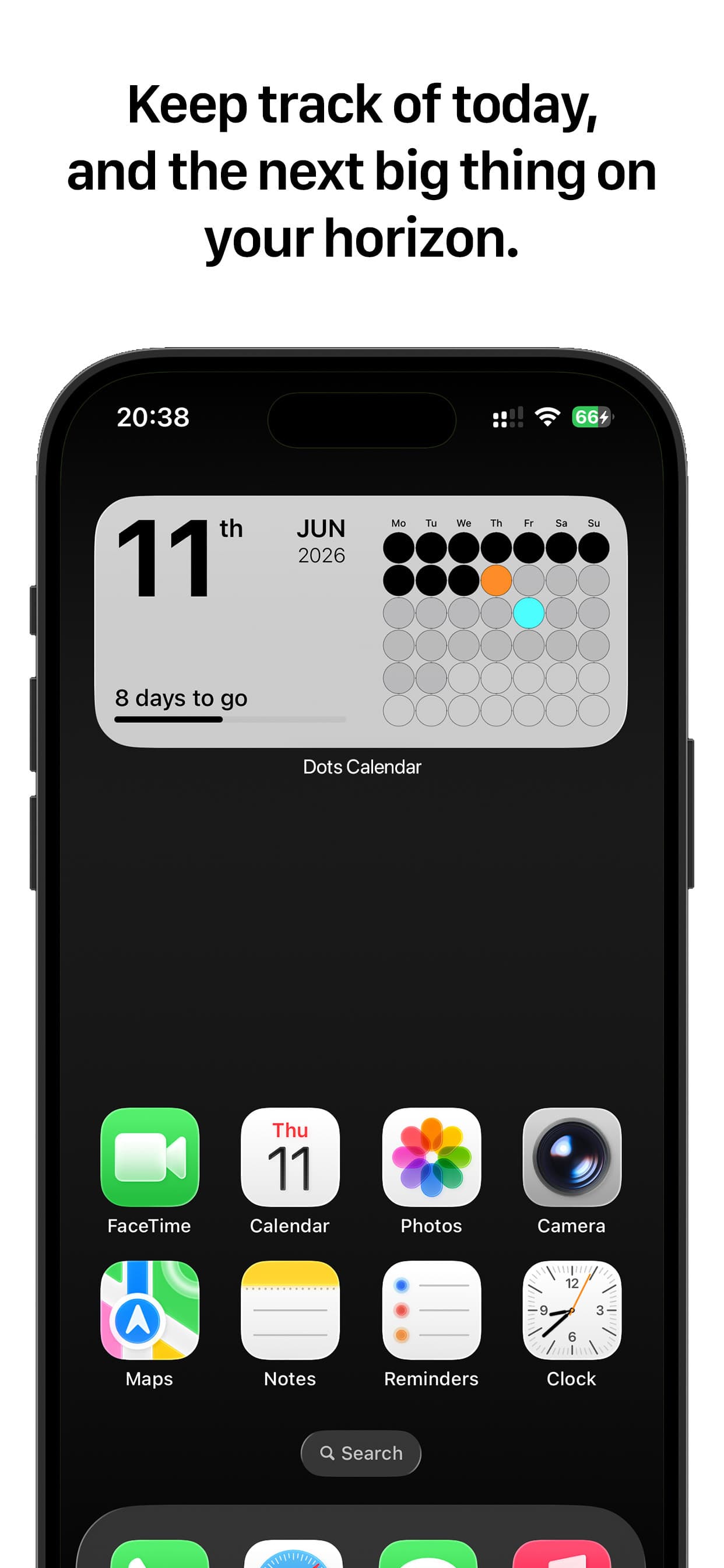
Count the days down.
Get Dots Calendar